Sources of ML Models
Model implementations
SageMaker AI supports pre-trained models, built-in algorithms, and custom Docker images.
The following are ways to use SageMaker AI to build your ML model:
- Pre-trained models require the least effort and are models ready to deploy or to fine-tune and deploy using SageMaker JumpStart.
- Built-in models available in SageMaker AI require more effort and scale if the dataset is large and significant resources are needed to train and deploy the model.
- If there is no built-in solution that works, try to develop one that uses pre-made images for machine learning and deep learning frameworks for supported frameworks such as scikit-learn, TensorFlow, PyTorch, MXNet, or Chainer.
- You can build your own custom Docker image that is configured to install the necessary packages or software.
SageMaker AI built-in algorithms
There are different types of machine learning algorithms based on your use case and requirements and the data you have.
SageMaker AI supported algorithms:
Introduction
SageMaker AI provides algorithms for different categories on machine learning problems.
This is a shortlist of the most common algorithms. Refer to the SageMaker AI documentation for a complete list and for further details.
SageMaker Jumpstart
With SageMaker Jumpstart, you can deploy, fine-tune, and evaluate pre-trained models from the most popular model hubs.
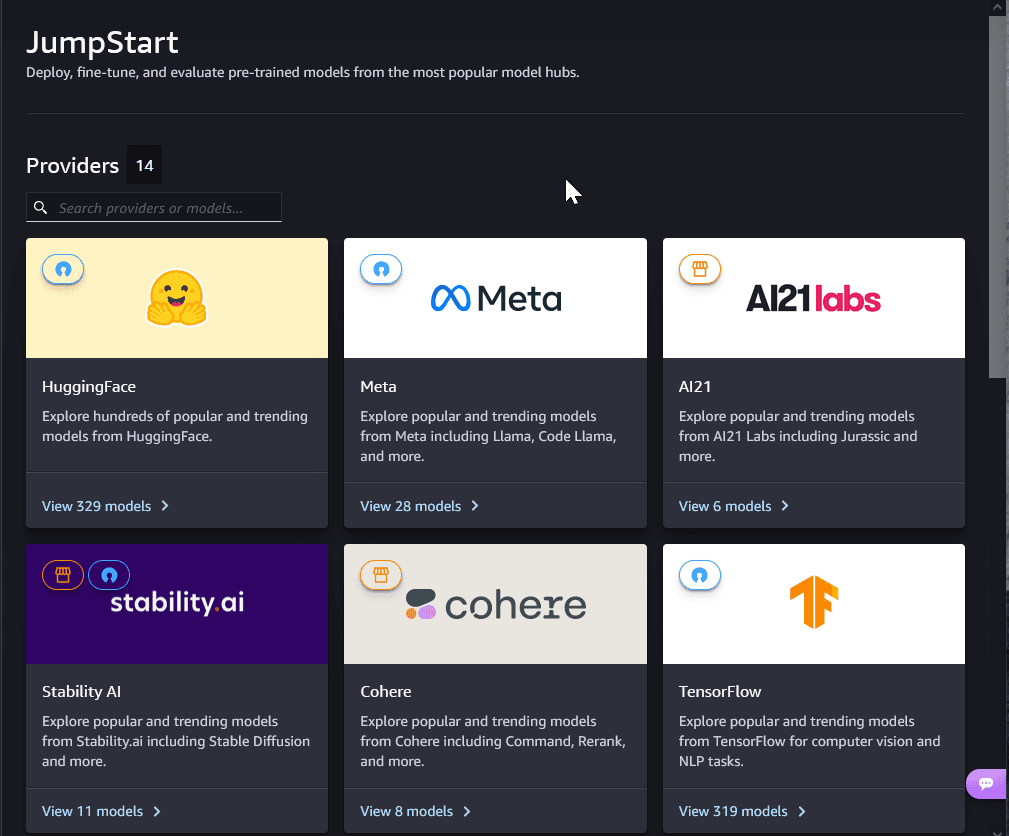
SageMaker JumpStart provides pretrained open source models from leading providers for a range of problem types to help you get started with machine learning. You can incrementally train and tune these models before deployment. SageMaker JumpStart also provides solution templates that set up infrastructure for common use cases and runnable example notebooks for machine learning with SageMaker AI.
In the next lesson, you will learn how to evaluate the performance of Machine Learning models